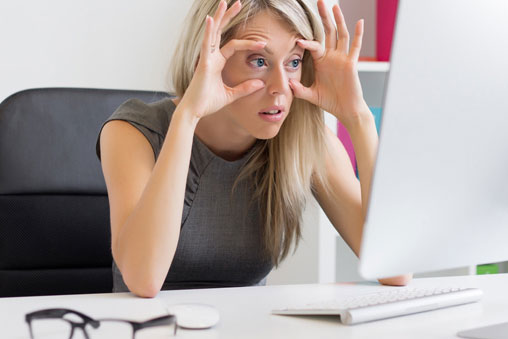
Computer vision syndrome can be termed as eye conditions arising from prolonged use of computer in jobs that require staring the monitor for extended periods of time. Staring the screen or monitor of the computer for hours together is the nature of few jobs, this can cause heavy strain on the eyes, so conditions arising from such strains caused by computer is termed as computer vision syndrome (CVS). Research shows that 60% to 90% of the computer users have one or more symptoms related to computer vision syndrome. Kids who stare at tablets or use computers for extended period of hours can suffer from this syndrome, if the lighting of the screen and the surrounding is less than ideal this can expedite the syndrome.

Long term use can cause some of these symtoms:
Some of the precautionary measures at the computer place can bring some amount of change to your symptoms and may avert new ones.
Lighting in the computer room can cause a negative effect, setting the lighting so that no bulb, window light glare falls on the monitor so is important adjust the position of the monitor so that no glare falls on the monitor to cause strain to the eye, adjust the lighting around the monitor so that it is evenly spread to reduce the glare produced by only the monitor and thus create problems to the eye. Buy a desk lamp with moveable shade that can cause distribution of the light evenly around the desk of the computer. You can put extra monitor filters to reduce the glare of monitor.
Positioning the monitor at around 20 to 28 inches away and at a slightly lower level than your eye level is an optimum position for the monitor placement. This is so as to not stretch your neck or strain your eyes to see what's on the monitor. Put book stand or reading stand next to the monitor and place the reading material on it while you are working on the computer and at the same time reading things. That way, you won't have to look up at the screen and back down at the desk while you type.
Follow the 20-20-20 rule. Look away from the screen every 20 minutes or so and look at something around 20 feet away for about 20 seconds. Blink often to keep your eyes moist. If they feel dry, try some eye drops.
you don't have to live with the factory-installed presets if you're uncomfortable. Adjust the brightness, contrast, and font size until you find what’s best for you.
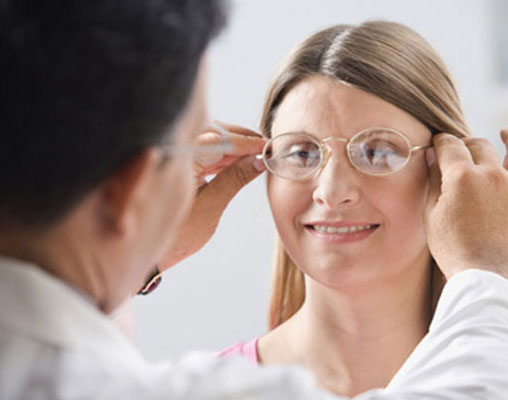
Have a checkup regularly and visiting the ophthalmologist regular for the checkup is a good idea as any changes in the eyes that can problem in the future can be traced out and checked at an earlier stage at the beginning. Let them know about any problems you have. You may need glasses or contact lenses. They’ll decide if you can wear your regular glasses for computer work or if you need a special pair. They might prescribe a single or bifocal lens, or tinted lens material to boost contrast and filter out glare.
Please fill in the form below and we will soon call you back.